
Donate to CPM
Be a part of this once-in-a-lifetime opportunity to
impact seafarers for Christ by supporting our ministry
How to Donate
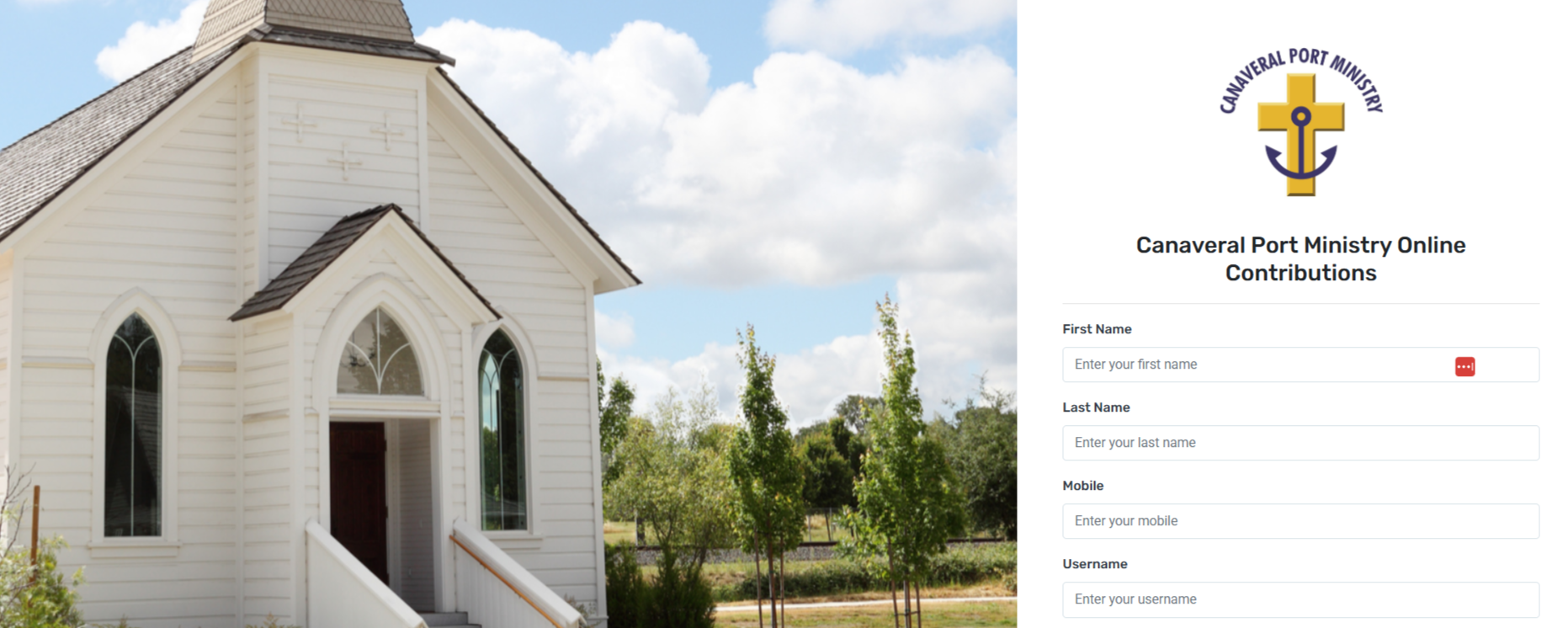
STEP 1: Create a Flockbase account
For first-time givers please create a new Flockbase account by clicking the button below and filling out the form to create your new Flockbase account. Please note: Canaveral Port Ministry now uses Flockbase for their online donations to General Fund, Bible Fund and Shipping Charges. If you previously used DonorView you'll need to create a Flockbase account.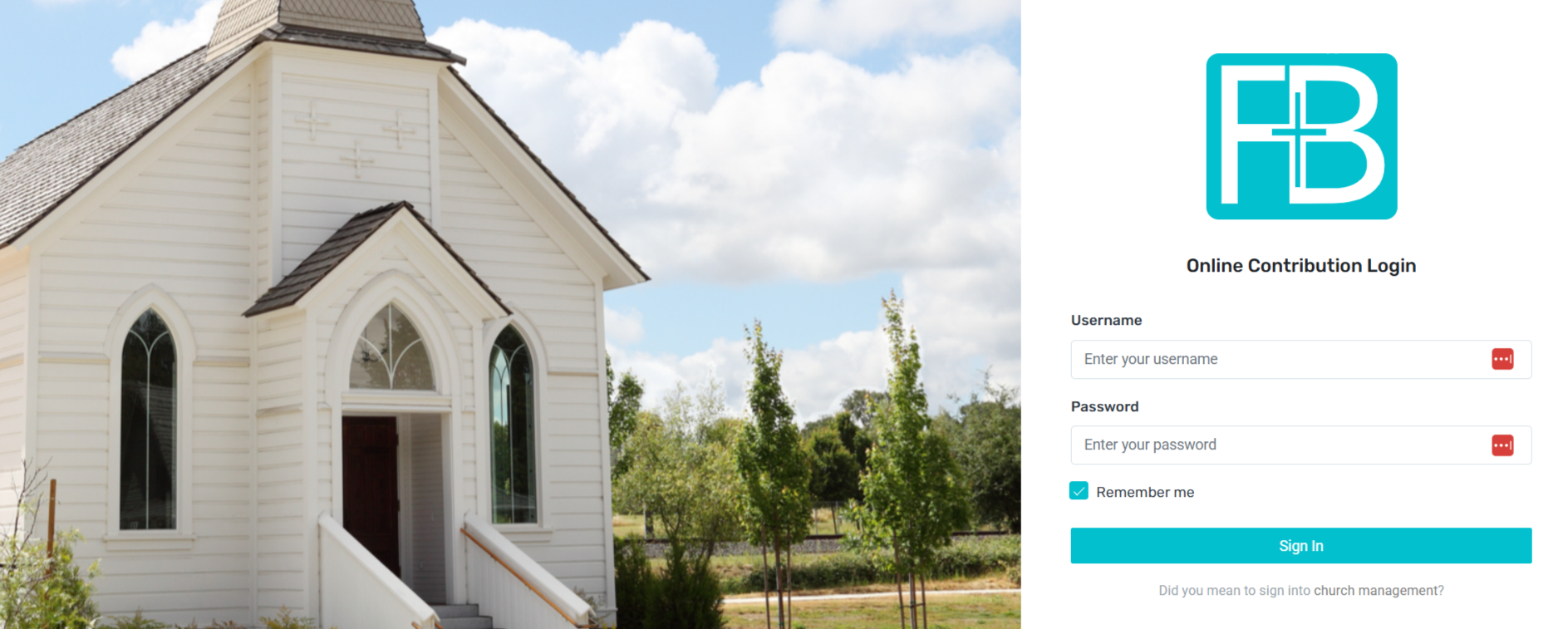
STEP 2: Login to Flockbase account
Once your Flockbase account is created you'll be taken to the login page to login for the first time. From there you'll see your dashboard page. NOTE: If you already have a Flockbase account you'd login via the login page to donate by clicking the button below.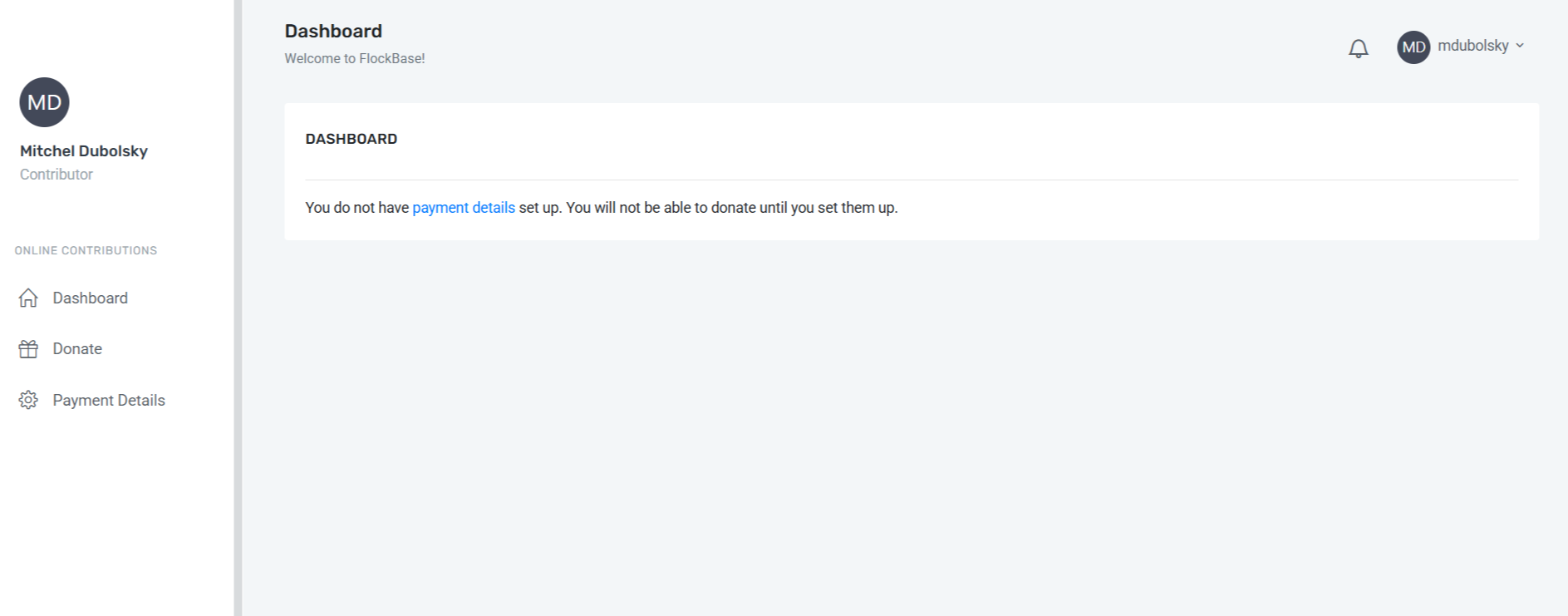
Once logged in for the first time you'll be prompted to fill out your payment details. Payment options include: your bank, credit card or debit card. Please note: Once they are set up you won't have to re-enter it each time to make a donation. If you ever need to update your payment information it's as easy as logging in and clicking 'Payment Details' to update your payment information.STEP 3: Setup Payment Details
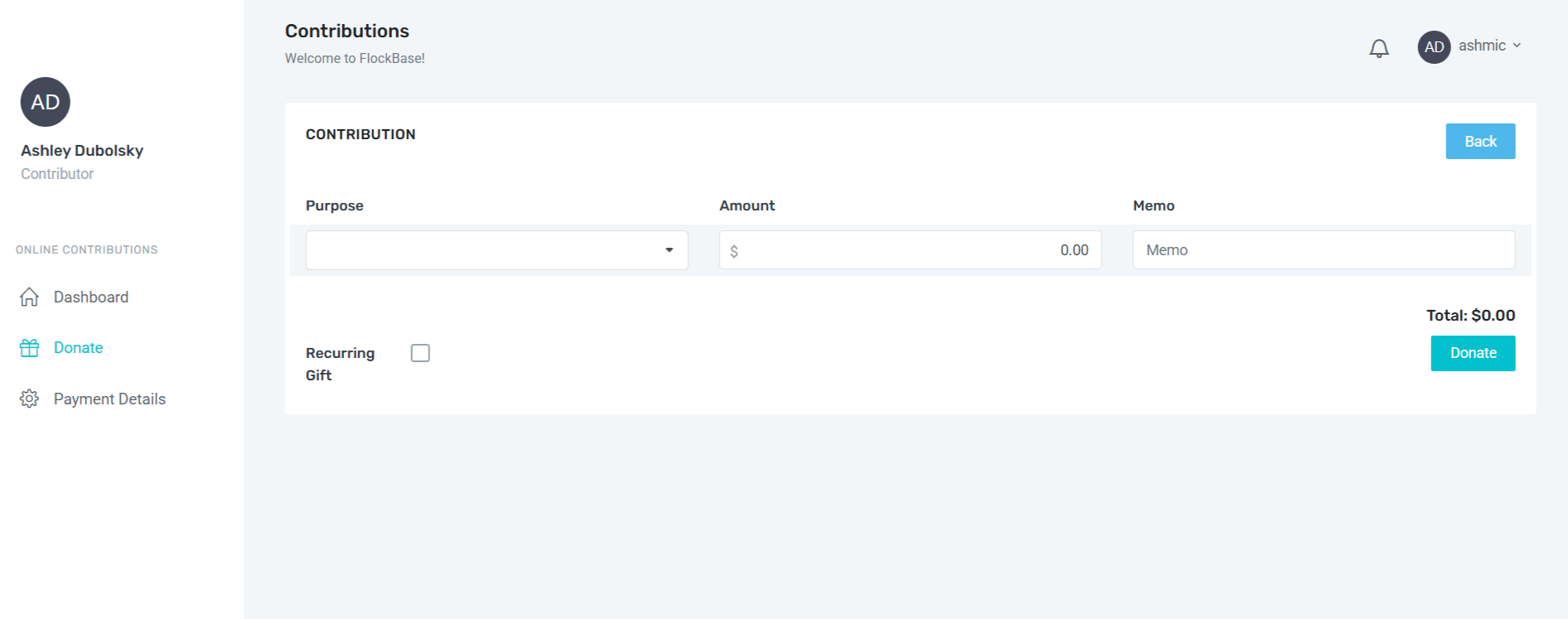
Once your payment details have been added now you can securely donate to Canaveral Port Ministry.

You can enter: amount, memo and check the box if it's a recurring gift.
NOTE:
Recurring gifts: If you've been giving a recurring gift in the past be sure to check this box in your new Flockbase donation.
Memo field: note which category you'd like your donation to go to:

• General Fund
• Bible Fund
• Shipping Charges
STEP 4: Click Donate tab
Frequently Asked Questions
-
Description text goes here
-
Description text goes here
-
Description text goes here
-
Description text goes here
-
Item description